Mac Launcher gives your phone a quiet, beautiful home screen. Choose One UI, iOS or Minimal style — switch any time — with folders, widgets, weather and dark Mac wallpapers.
Same engine, three designs. Pick one when you start, change it any time in Settings — your apps, folders and widgets come along.
Icons in a grid, big folders, a dock and widgets — with edit mode, page dots and drag-and-drop that makes room.
Rounder icons, a big bold clock, a small Search pill and a frosted glass dock.
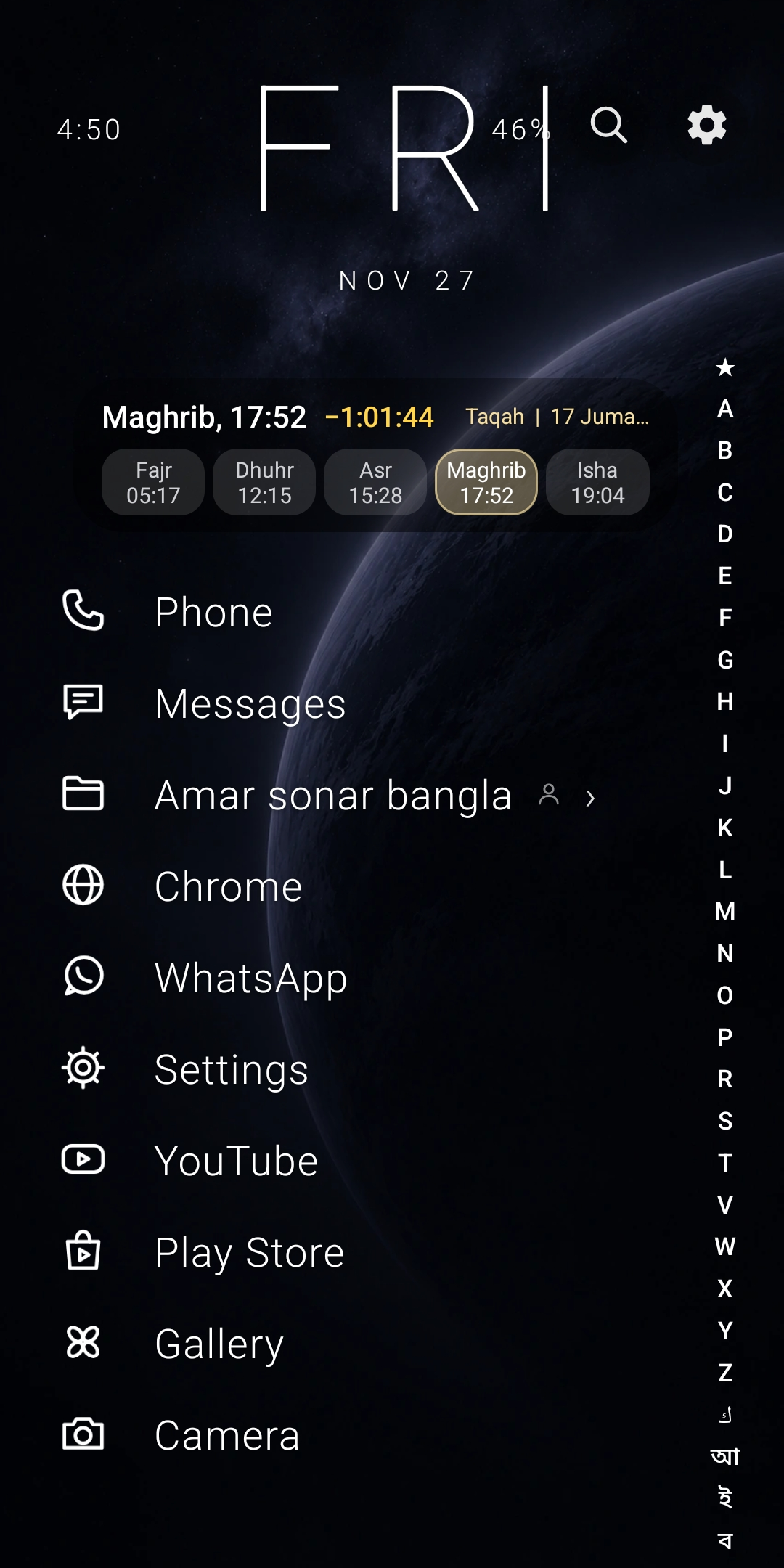
Your apps as words with thin line icons, the big day, and an A–Z bar that bends in a wave under your finger.
Light, fast and private — made to feel like it came with your phone.
Drop one app on another to make a folder. Big folders, rename in place, the apps you use most first.
Move apps, folders and widgets anywhere; the others slide aside to make room.
Any app's widgets, resized within their own limits, with a clear outline while you move them.
A clean clock with today's weather and sunrise — from your approximate location, only if you allow it.
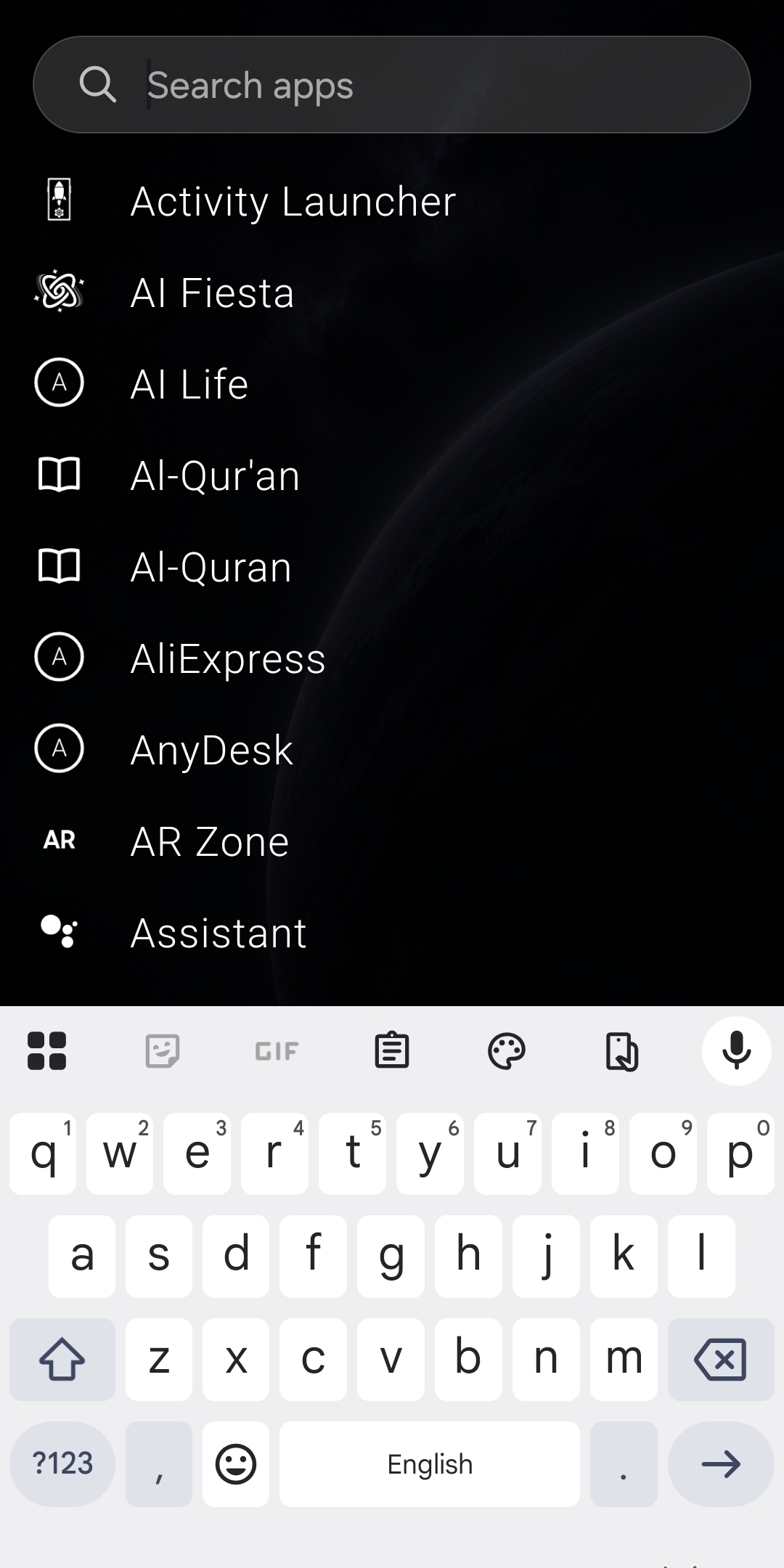
Find any app in a few letters, with the apps you opened last always at the top.
Select many apps and uninstall them one after another. Hide the ones you never use.
The big day and date, your few important apps as words, and a Suggested row that learns what you open. Slide along A–Z and any app is one swipe away.
The all-apps page keeps your wallpaper, darkened so names are easy to read, with a glass search bar and your recent apps first.
 Free on Google Play
Mac Launcher is coming to Google Play. Set it as your Home app in seconds — and switch back any time.
Coming soon onGoogle Play